
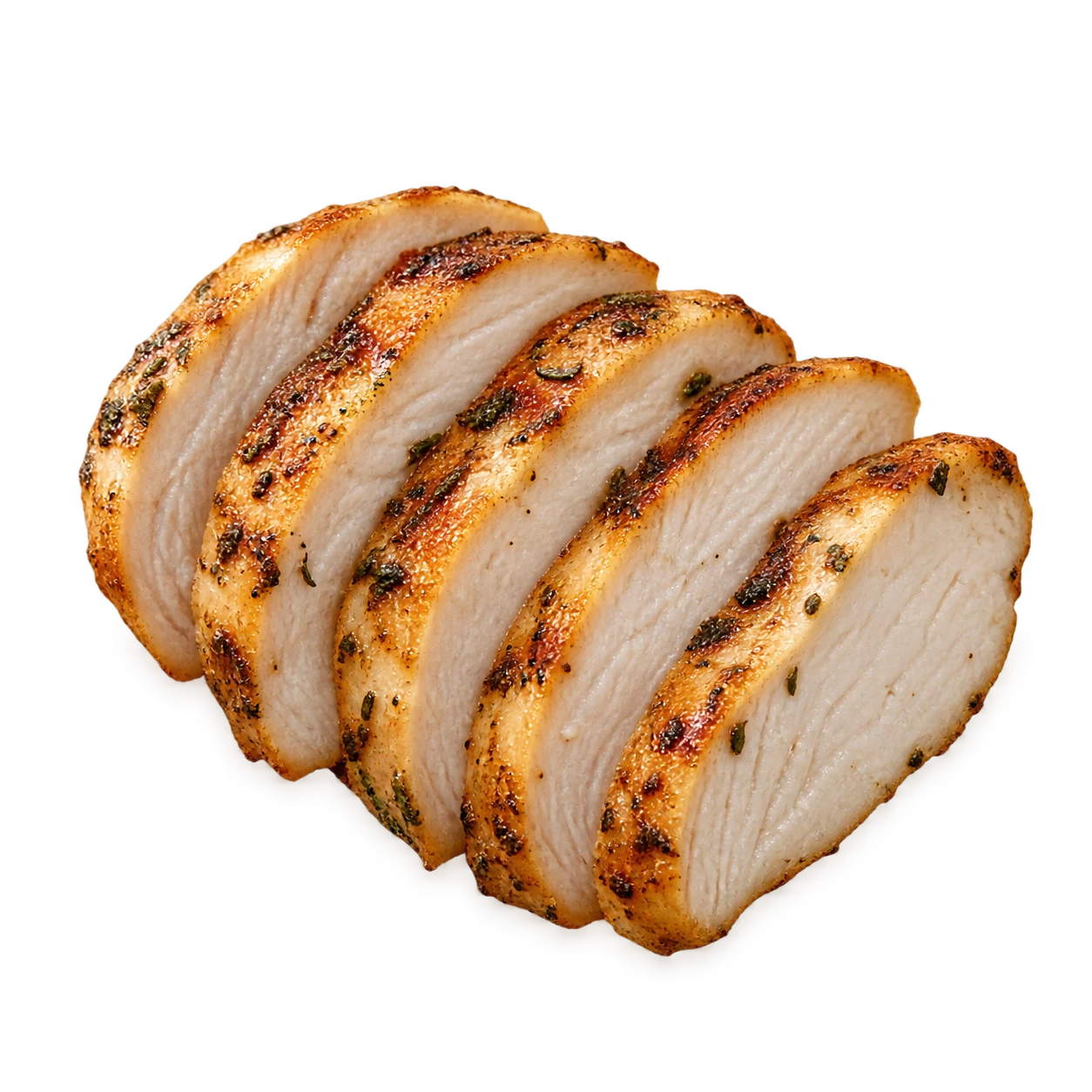
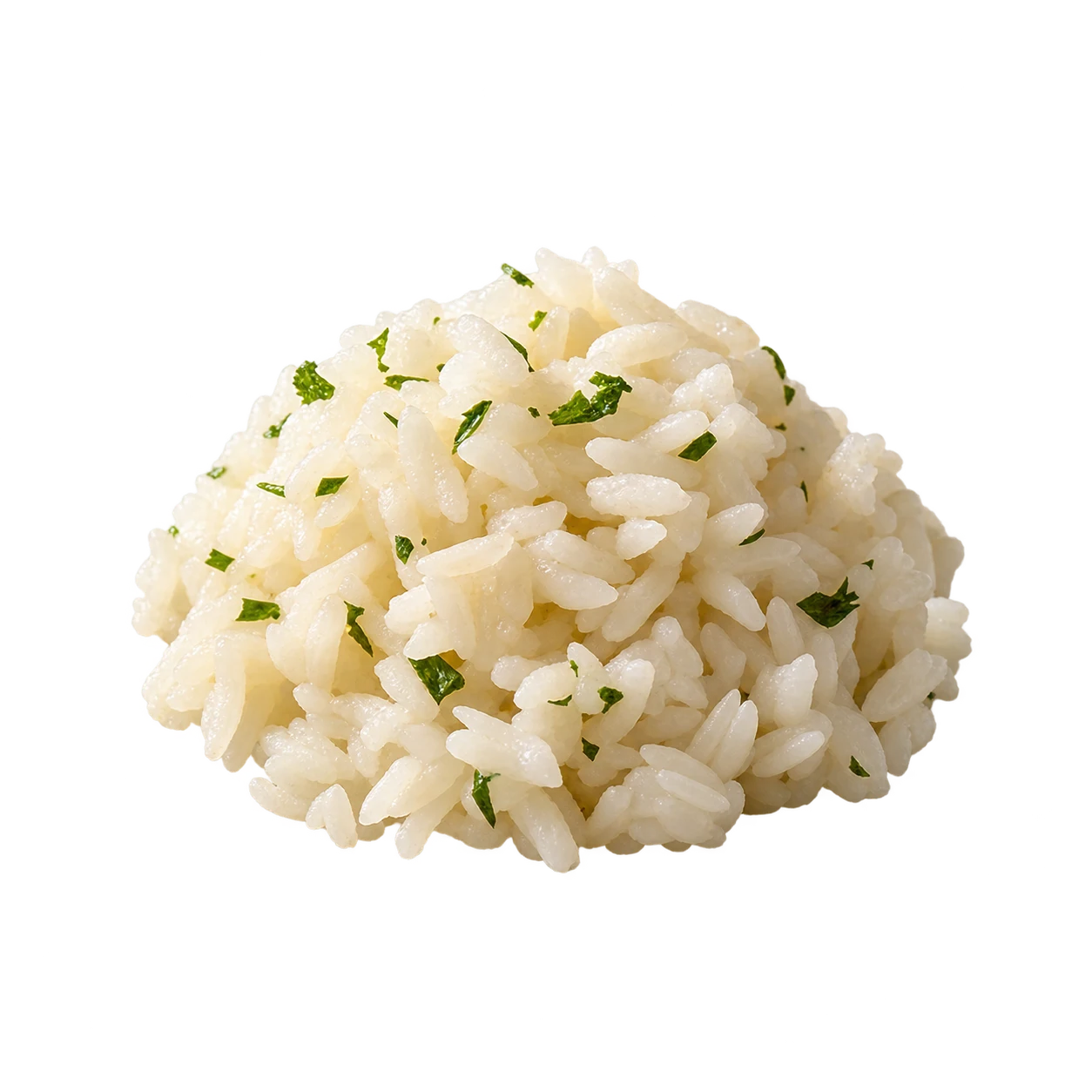
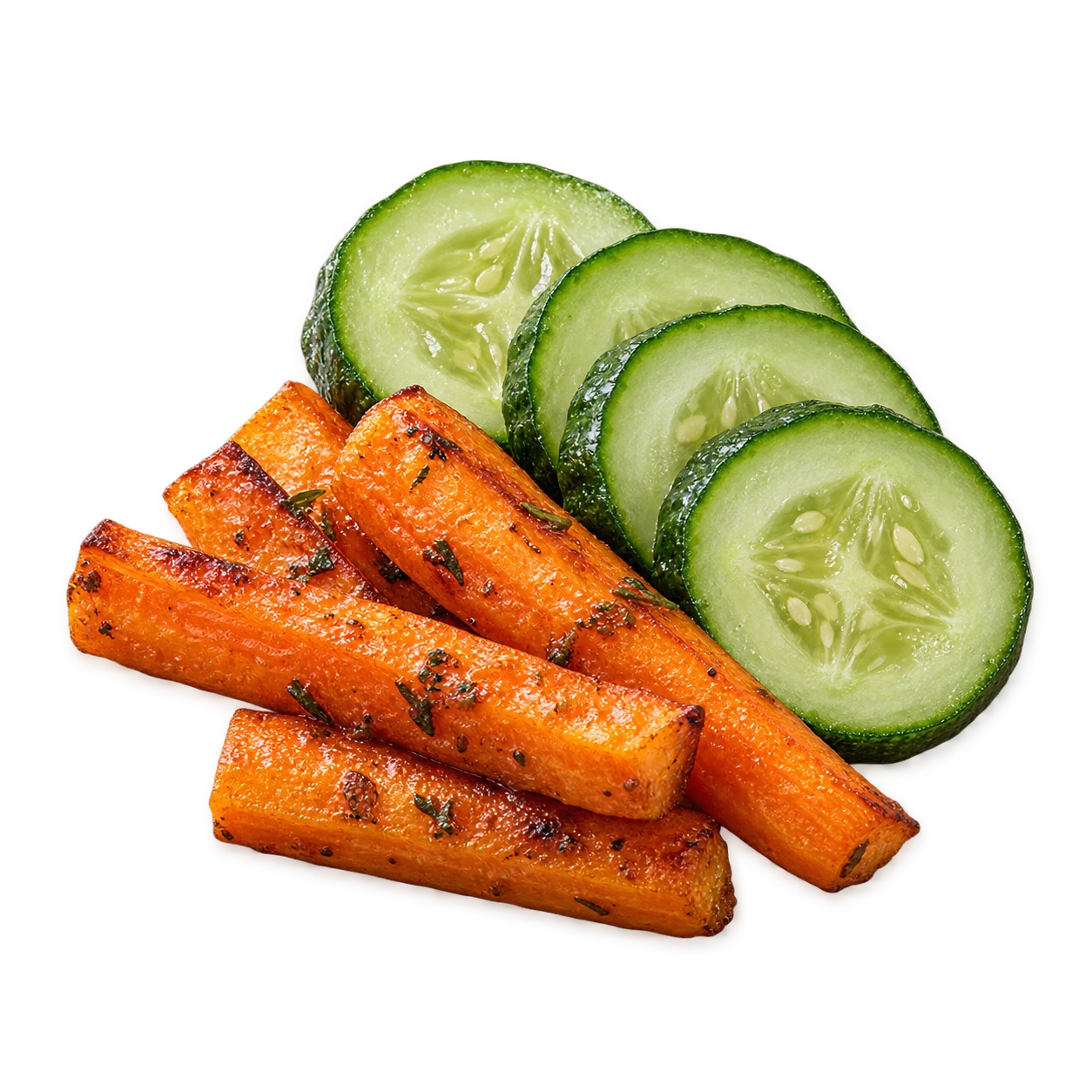
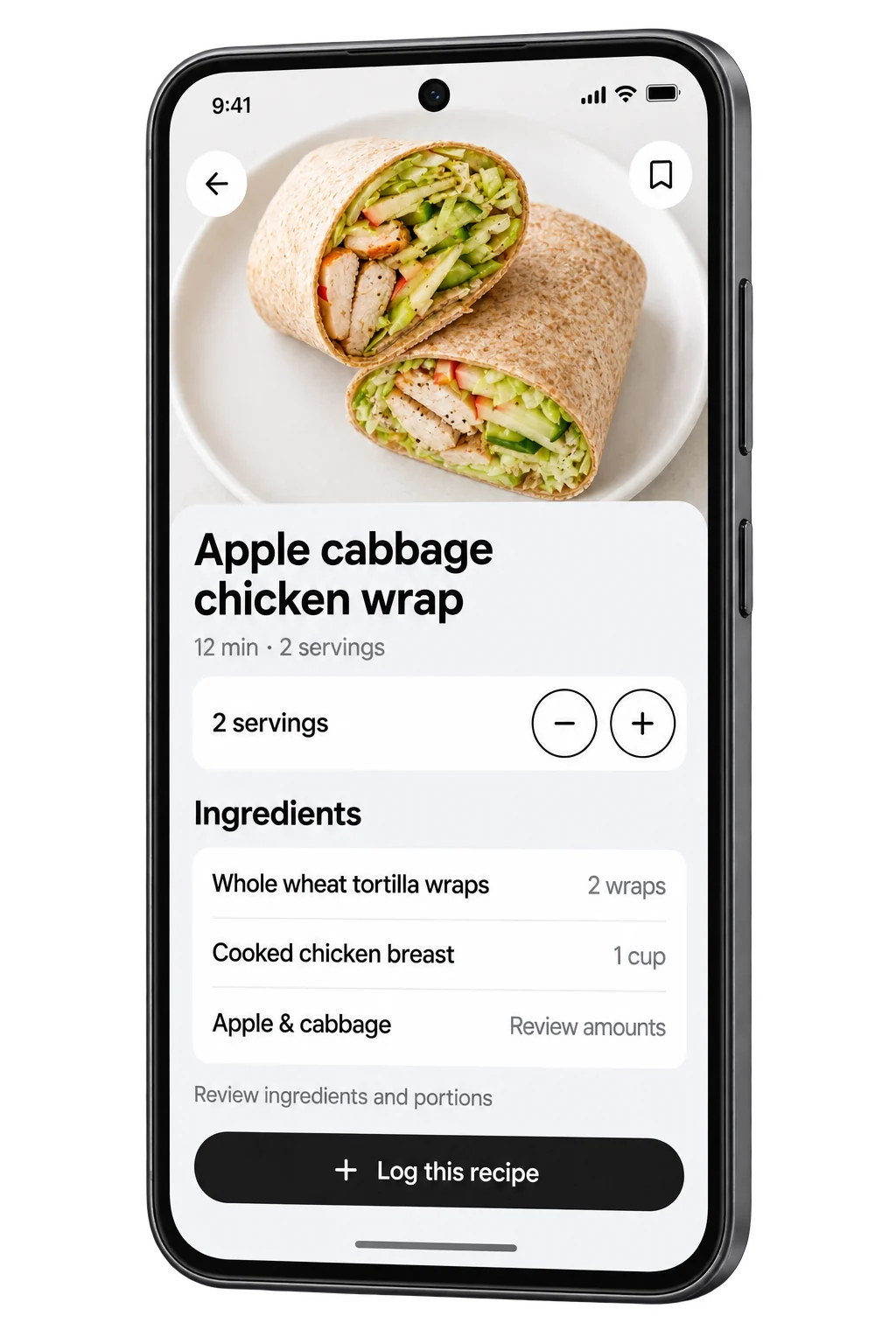
Save a recipe.
Log your portion.
Keep recipes for later. Check the ingredients and adjust the servings when you cook.
- Save recipes you want to make.
- Review ingredients and serving amounts.
- Add the portion you eat to your food log.
Track meals, fluids, readings and medications. Keep your questions ready for your next appointment. Built for the daily details of living with CKD.
Preview the upcoming Android build.
The current Play release may differ. iOS is in development.

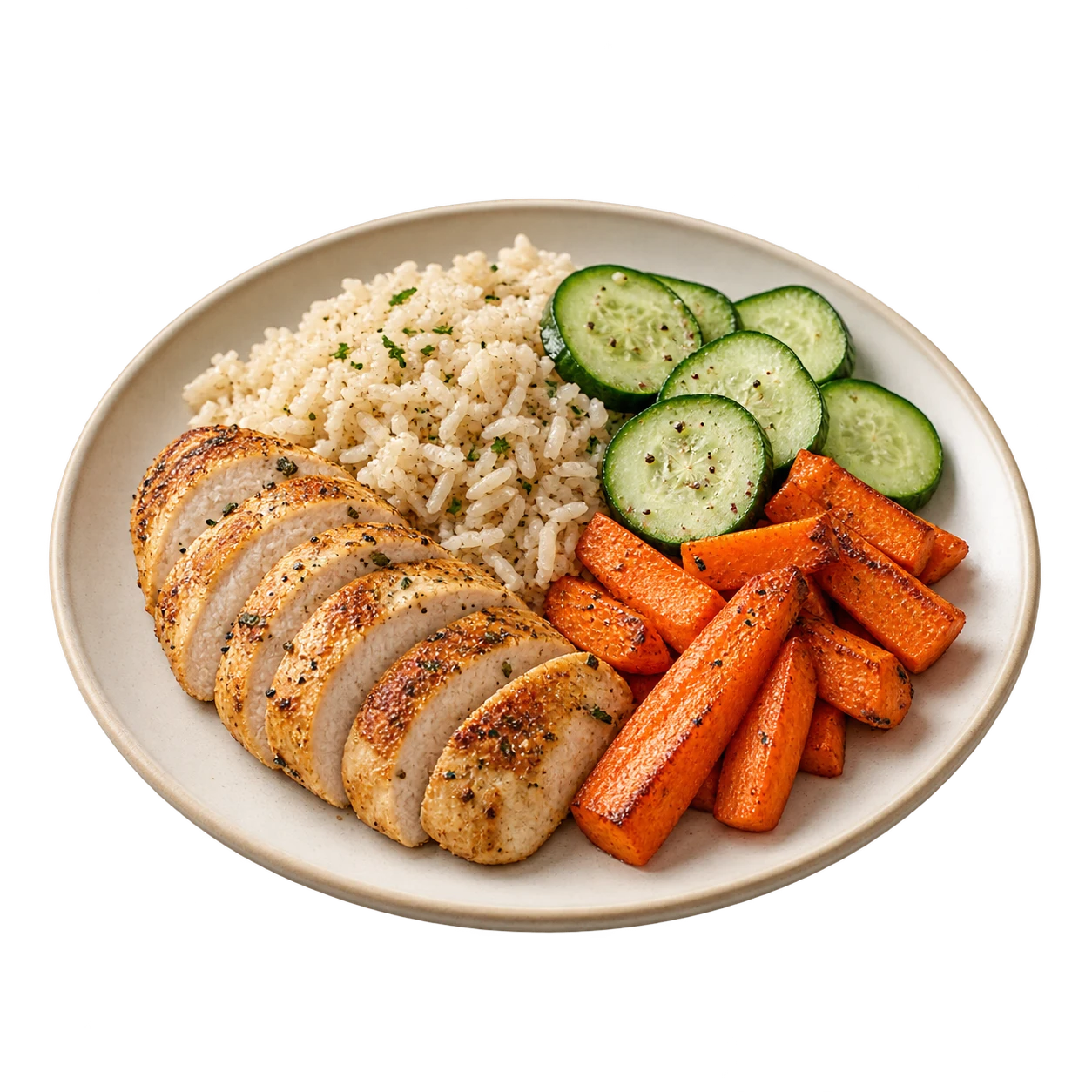
Take a photo or describe what you ate. Review the foods, adjust portions and check the AI estimates before you log the meal.

“Two slices of white bread
and two eggs”
Missing values stay unknown.
Review estimates and portions before saving.
AI can be wrong or incomplete. This is a logging tool, not a meal recommendation.
Review the foods and portions behind each estimate.
Check what is known and what is missing.


Track sodium, potassium, phosphorus, protein and fluids in one place. Missing nutrient values stay marked as unknown.
Use the targets agreed with your care team.
Unknown is not zero.Missing food values stay clearly marked.
See the sodium in your logged meals together. Review estimates and fill in missing details when you have them.

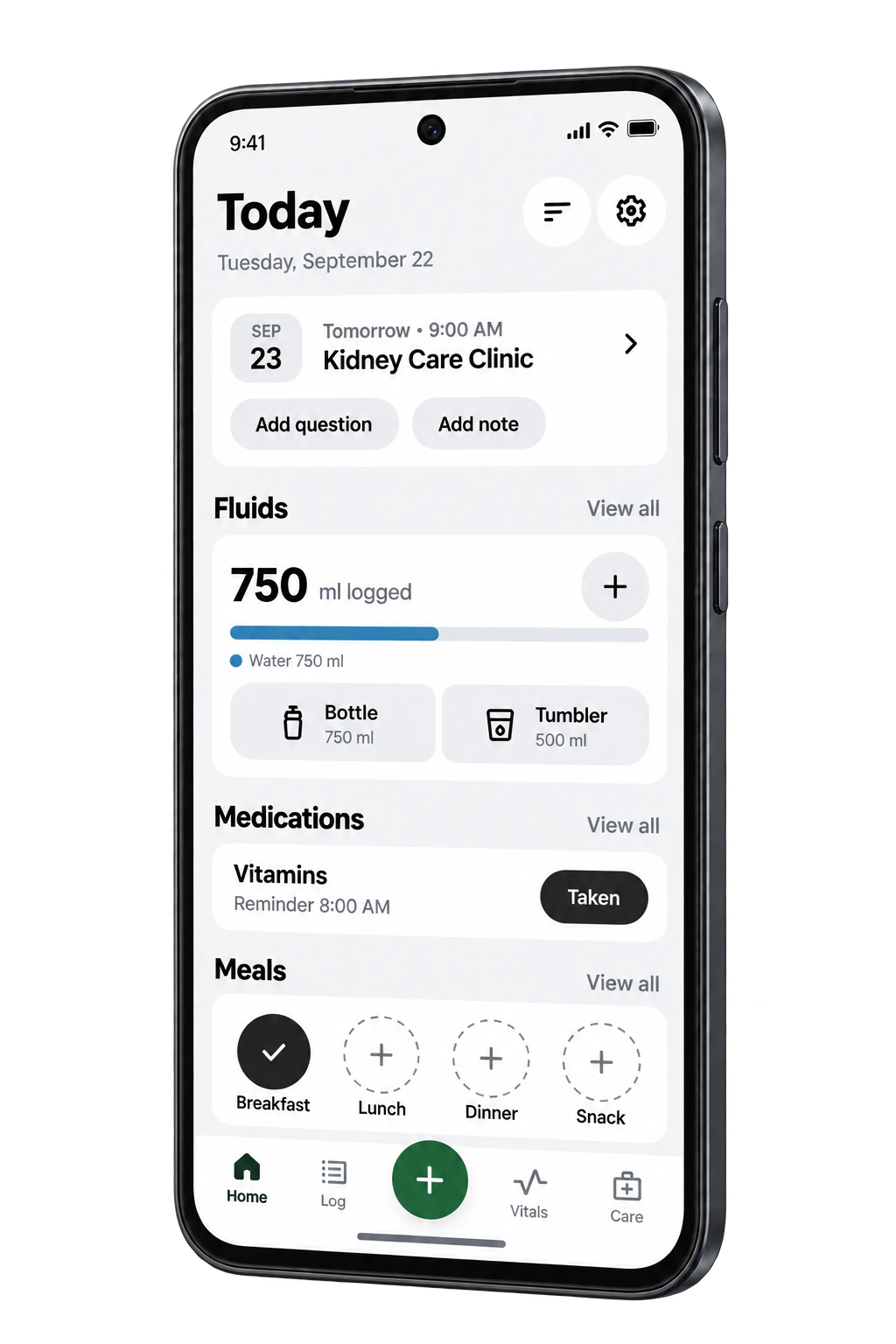
Record what you drink, track your vitals and check your medication reminders in the same app.
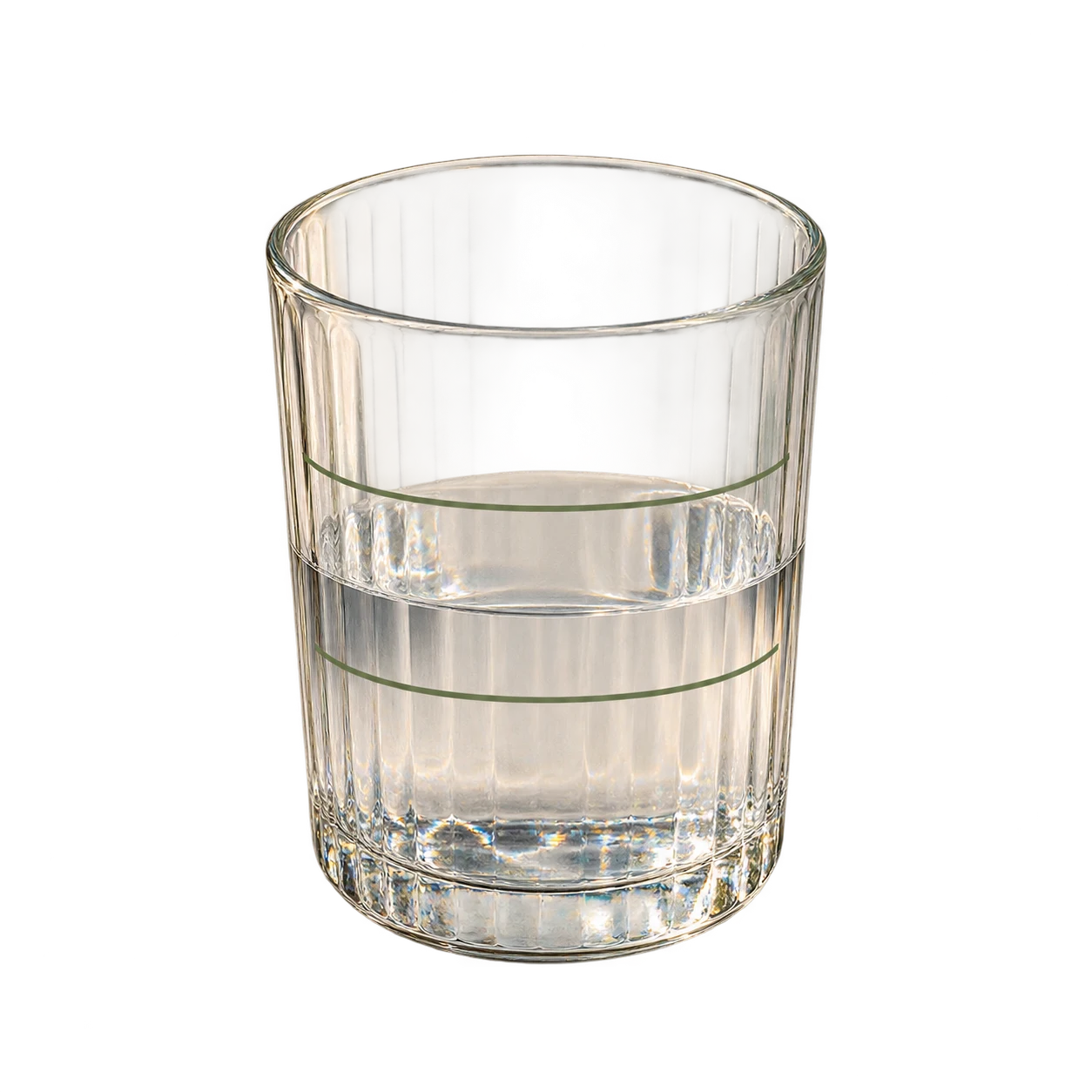
Add a drink and its amount. Review each entry alongside your total for the day.
Water 750 ml
Example amounts, not a fluid target.
Illustrative app preview · Example entries
Write a note or question when it comes to mind. Link it to a visit so it's there when you prepare.
Edit the example, then save it
What should I keep track of before our next appointment?

What should I keep track of before our next appointment?
Saved with this visitBring my recent blood pressure readings.
Create a PDF of your logs, readings, medication check-ins and visit notes. Share it with your care team using your device’s sharing options.
Keep recipes for later. Check the ingredients and adjust the servings when you cook.

Check the food and portion before adding it to your day.
Track locally without an account. AI is optional, with separate choices for text and photos.
The Google Play button opens the current Android listing. This page previews an upcoming build, with illustrative feature scenes, so the version you download may look different or have different features. iOS is in development.
You can use local tracking without signing in. Connected features such as AI meal analysis need an account and consent. Signing in does not back up or sync your diary records.
Take a photo, type a meal or use voice input. AI can suggest foods, portions and nutrient estimates. Check and edit the suggestions before saving. Estimates can be wrong or incomplete, and an unknown nutrient value is not zero. Text analysis and photo analysis have separate consent choices.
Kidney Daily helps you record and review your day. It does not give medical advice or replace your clinician or renal dietitian. Your food, fluid and nutrient targets should come from your care team.
Keep notes and questions linked to a visit, then create a Doctor Export PDF on your device. You choose when and how to share it using your device's sharing options.
Set reminders for medications, appointments and other routines. Notifications depend on Android permissions and your device settings. Keep another way to remember anything time-critical.
YOUR DAILY KIDNEY CARELog a meal, save a reading, or write down your next question.
Get it on Google PlayFor Android. iOS is in development.